
PDF Send
PDFs from your phone to any computer, over Wi-Fi.
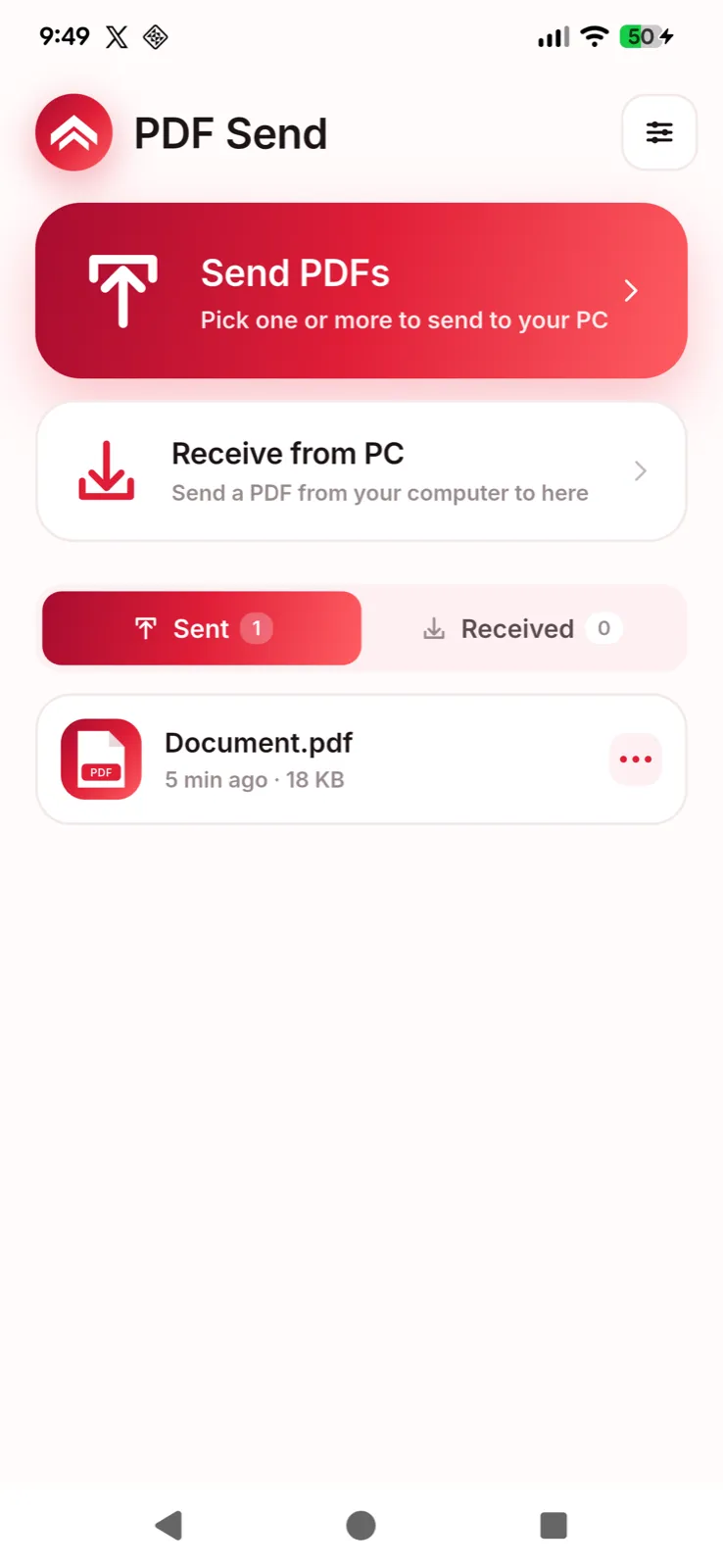
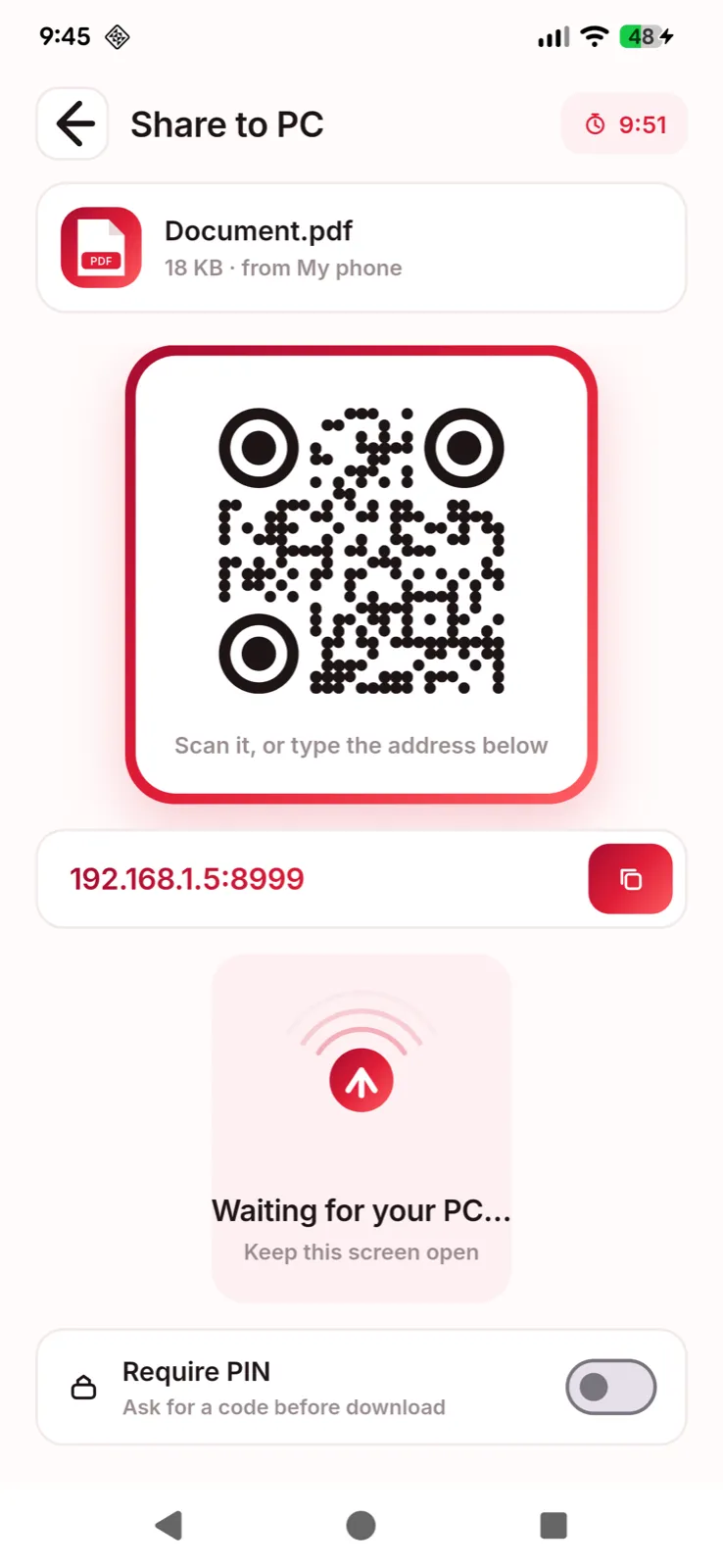
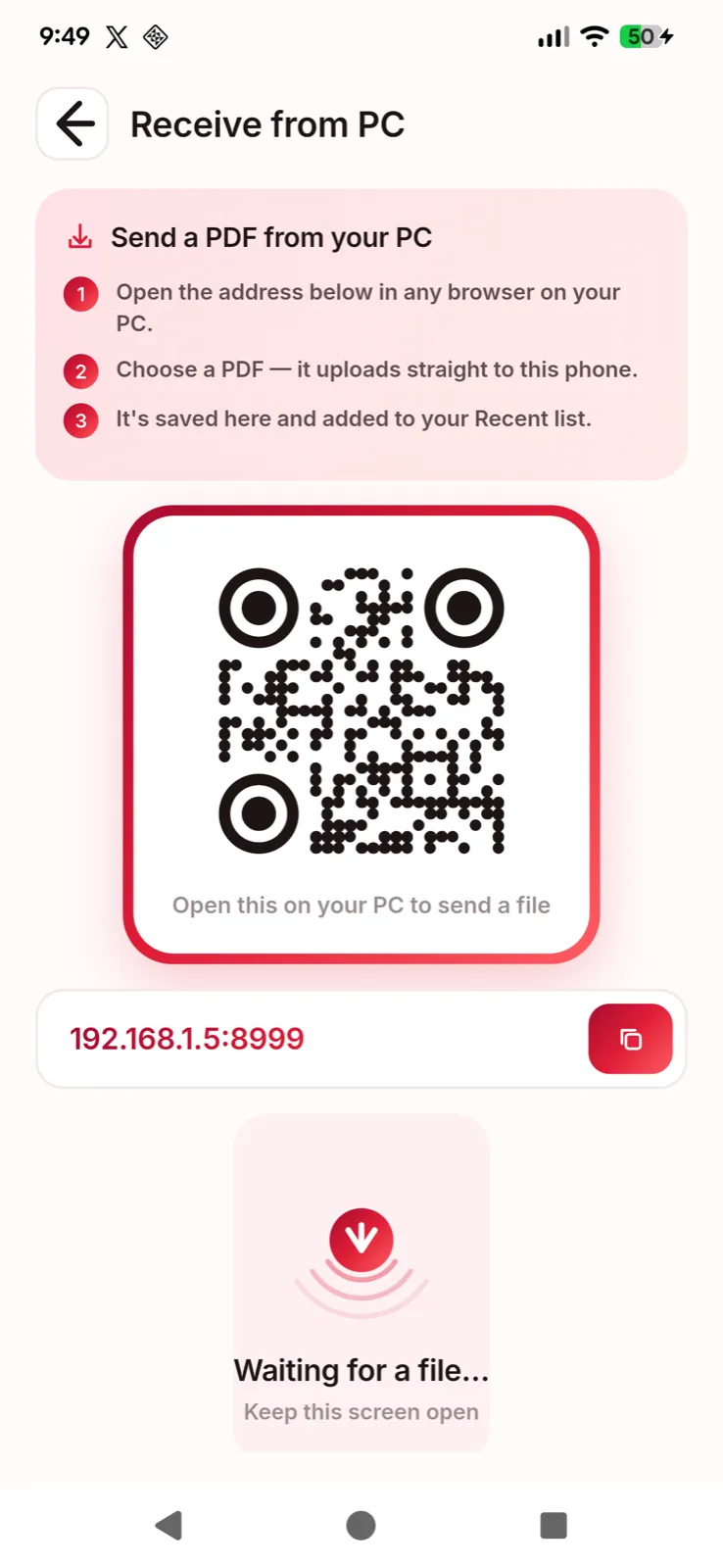
PDF Send moves a PDF from your phone to a computer without a cable, a cloud upload or a sign-up. Pick a file and your phone becomes a small private web server on your own Wi-Fi. Open the address it shows, or scan the QR code, in any browser on the other device, and the file downloads.
How it works
- Tap Send PDFs and pick a file.
- Open the short address on your computer. Any browser works.
- Download.
Nothing is installed on the computer. With no Wi-Fi around, your phone’s hotspot does the same job.
PDF tools, on the device
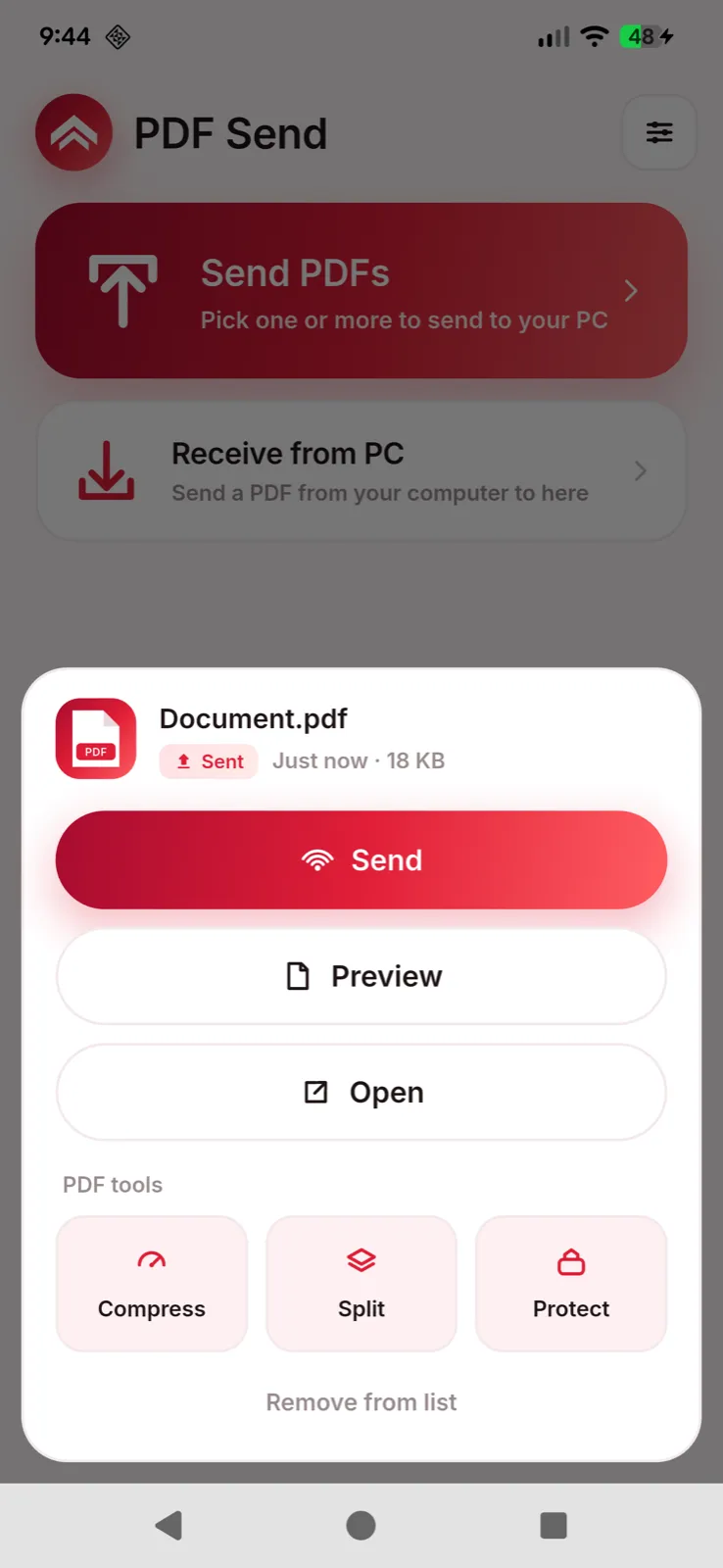
- Compress. Shrink large scans before sending them.
- Merge. Combine several PDFs into one, in the order you tap them.
- Split. Keep only the pages you need.
- Protect. Lock a file with a password and AES-256 encryption.
- Preview. Read a PDF full screen before you share it.
Every tool runs on your phone. Documents are not uploaded to a server.
Free, and what Pro adds
The free version sends single PDFs up to 100 MB. One payment, with no subscription, removes ads and adds sending several PDFs at once, receiving from a computer, the PDF tools, and control over how long a share stays open.
Privacy at a glance
- Account
- None. No sign-in, and the app never asks for your name, email address or contacts.
- Your files
- Travel directly between your own devices over your local network. They are never uploaded to us or to any cloud service.
- Advertising
- Google AdMob, in the free Android version, which uses your advertising ID, device details and approximate region. Pro removes ads.
- Usage statistics
- Firebase Analytics, on Android, receives an app-instance identifier, device details and usage events. Your PDFs are never included.
- Purchases
- Handled by Google Play, and recorded by RevenueCat under an anonymous identifier.
Read the full privacy policy · updated