
TrustScan
A QR scanner that checks every link before you open it.
Get it on Google PlayDownload on the App Storetrustscanqr.com
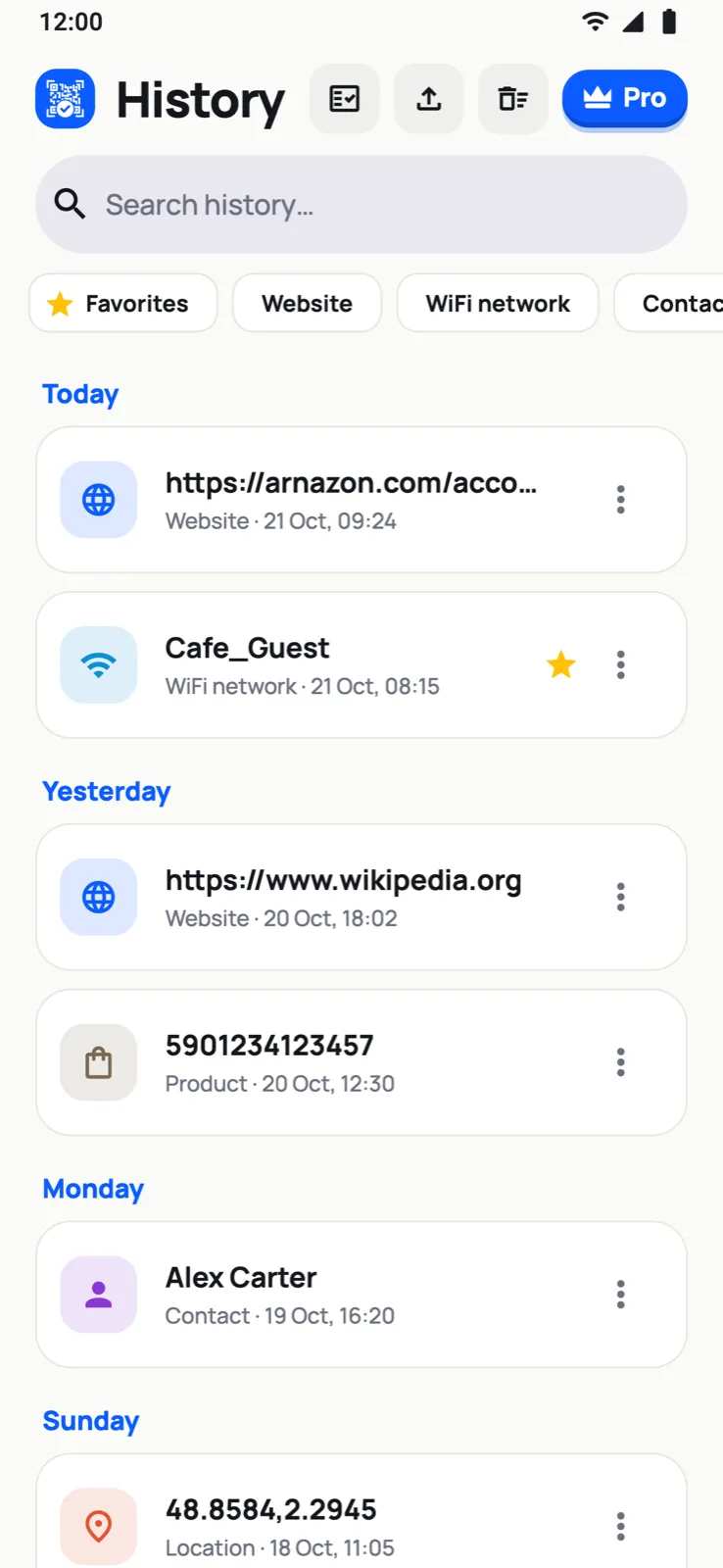
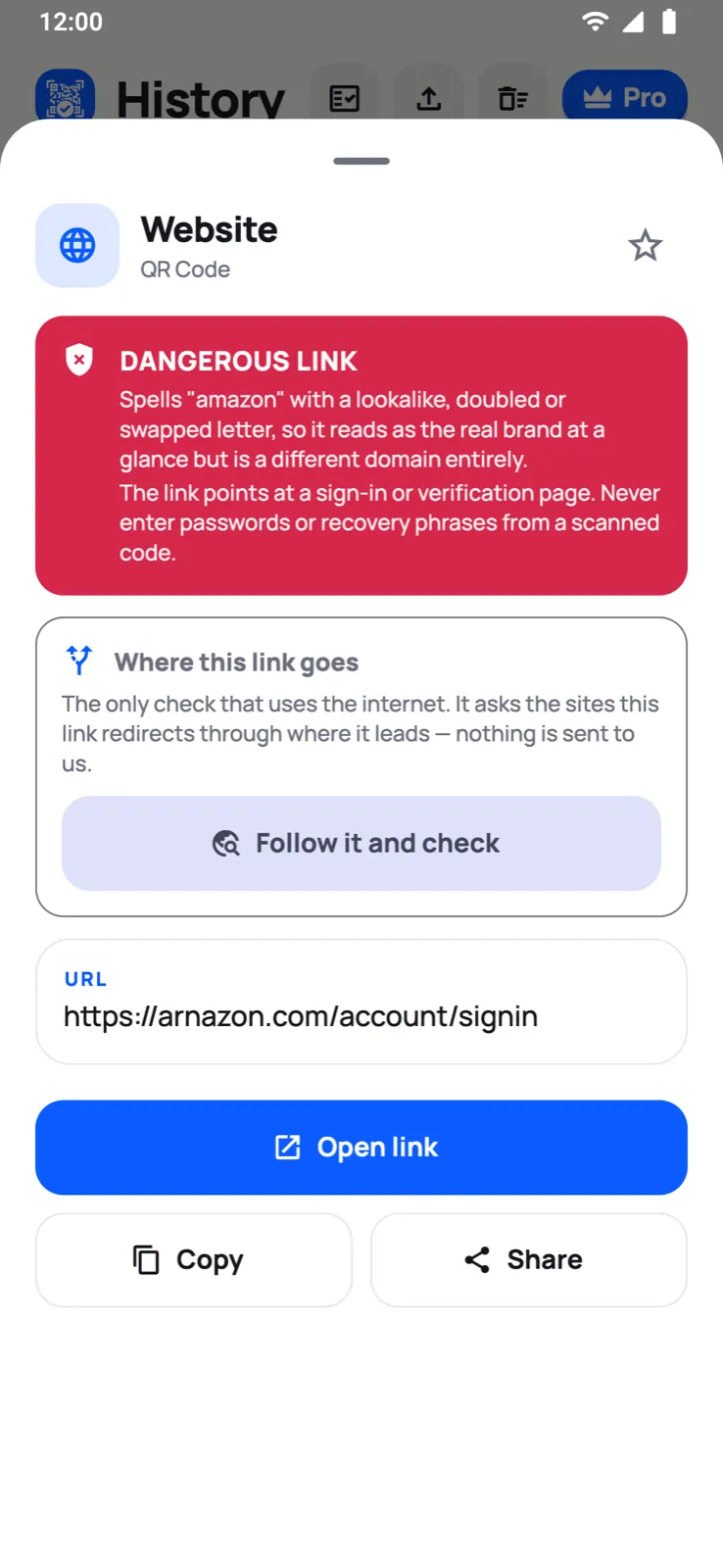
TrustScan is a QR code scanner and barcode reader built around one idea: you should know where a link goes, and whether it is safe, before you open it. Every scan runs through 21 safety checks on your device, in milliseconds.
Why it matters
QR codes hide their destination by design. Fake parking meters, tampered restaurant menus and phishing stickers placed over real posters all work because you cannot see the link before you scan it. TrustScan shows the verdict first — Safe, Caution or Dangerous — with reasons in plain English.
What is free
- A fast QR code reader and barcode scanner.
- 21 on-device safety checks: brand impersonation and lookalike domains, punycode and hidden-character tricks, fake sign-in pages, raw IP addresses, risky file downloads, deceptive redirects and more.
- Following a shortened link, if you ask, to reveal where it really leads.
- Scan history with search and favourites.
- Wi-Fi codes, contact cards, calendar events, locations and phone numbers.
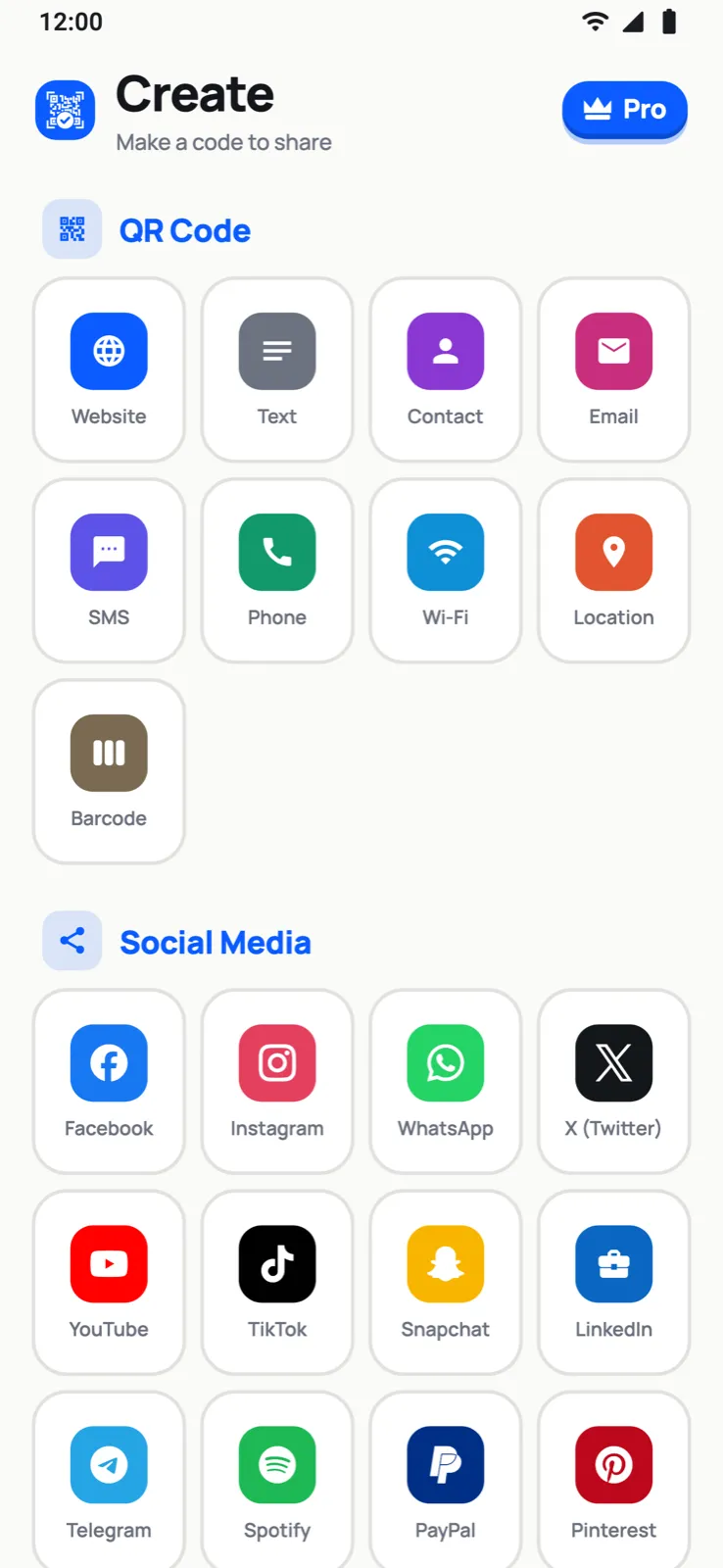
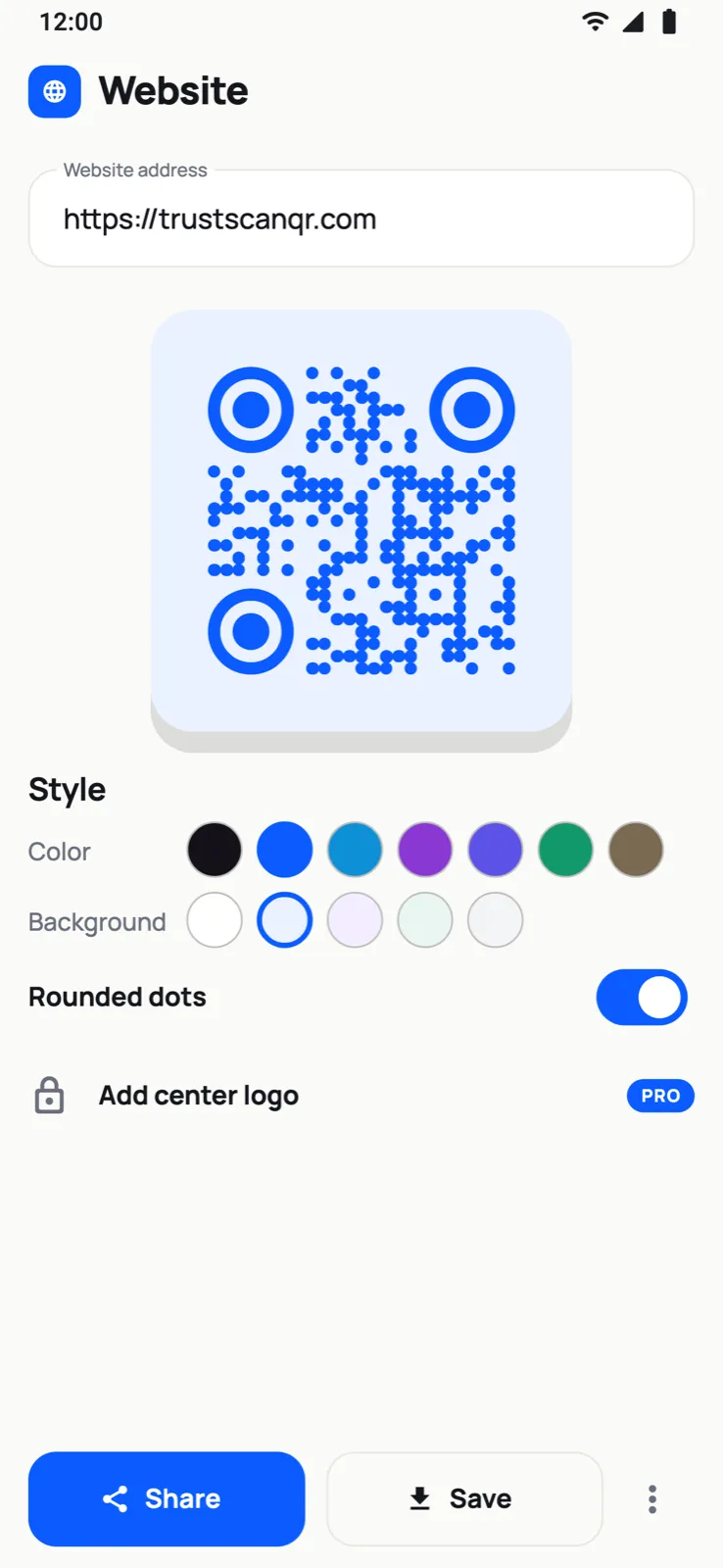
- A QR code maker for websites, Wi-Fi networks, contact cards, email, SMS and social profiles, with colours and shapes that stay scannable.
What Pro adds
No ads on Android (the iPhone app has none), your logo on generated codes, SVG and high-resolution PNG export, a biometric lock for scan history, bulk generation from a CSV file, and Scan Sessions for stock counts and ticket check-in.
Scanning and every safety check stay free for everyone. Available in 14 languages.
Privacy at a glance
- Account
- None. No sign-up.
- What you scan and create
- Stays on your phone. All 21 link-safety checks run on the device, so no link you scan is sent anywhere to be rated. A shortened link is followed only if you ask, and only the sites it redirects through are contacted.
- Advertising
- Google AdMob, in the free Android version only. It shows a banner, and now and then a full-screen ad after you share or save a code, and may use your advertising ID, device type and approximate location. The iPhone app shows no ads. Pro removes them.
- Crash reports and usage
- Firebase Crashlytics and Firebase Analytics receive crash traces and anonymous usage counts, including whether the Pro offer is opened or bought. No scan contents.
- Purchases
- Validated with the store by RevenueCat. The store handles payment; we never see card details.
Read the full privacy policy · updated