
Hasp Vault
Passports, ID cards and passwords, locked on your phone.
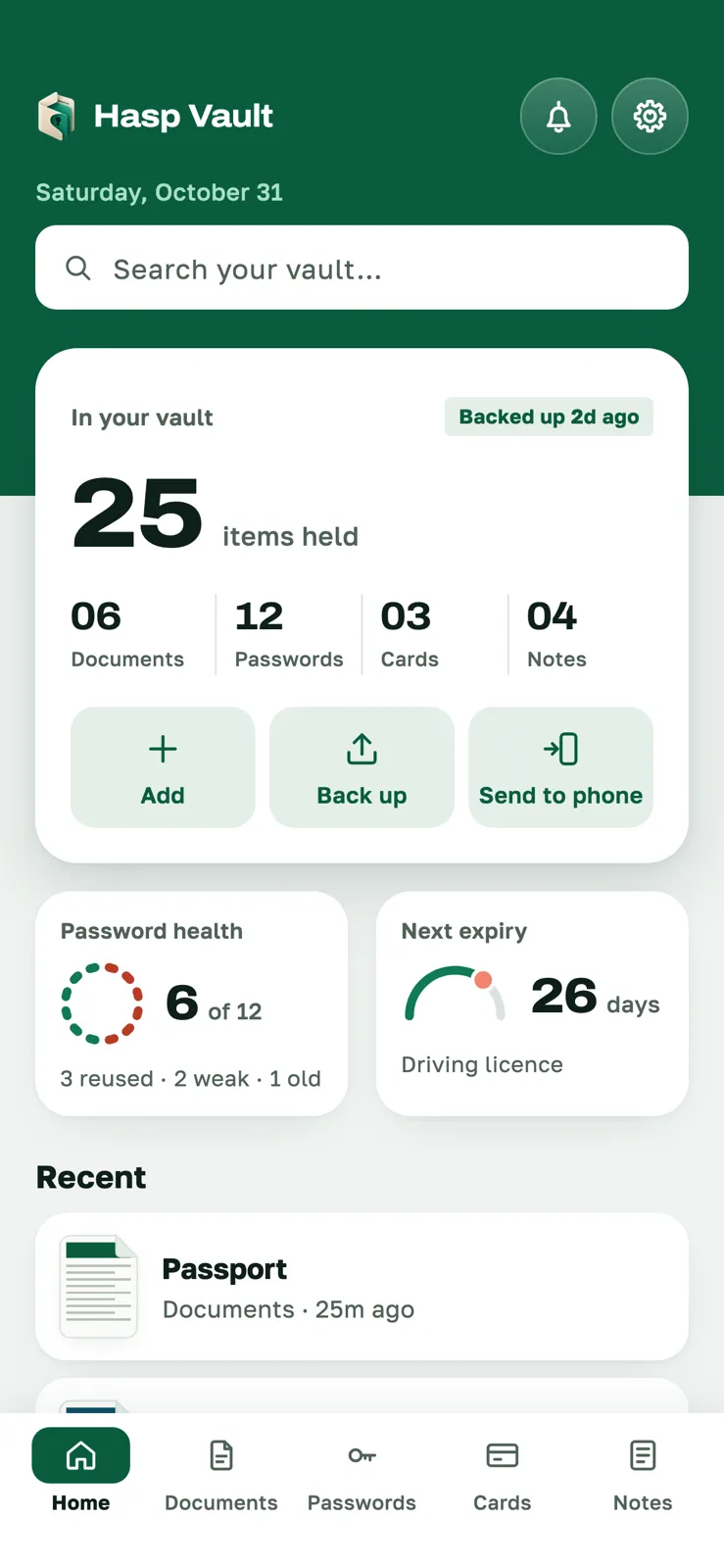
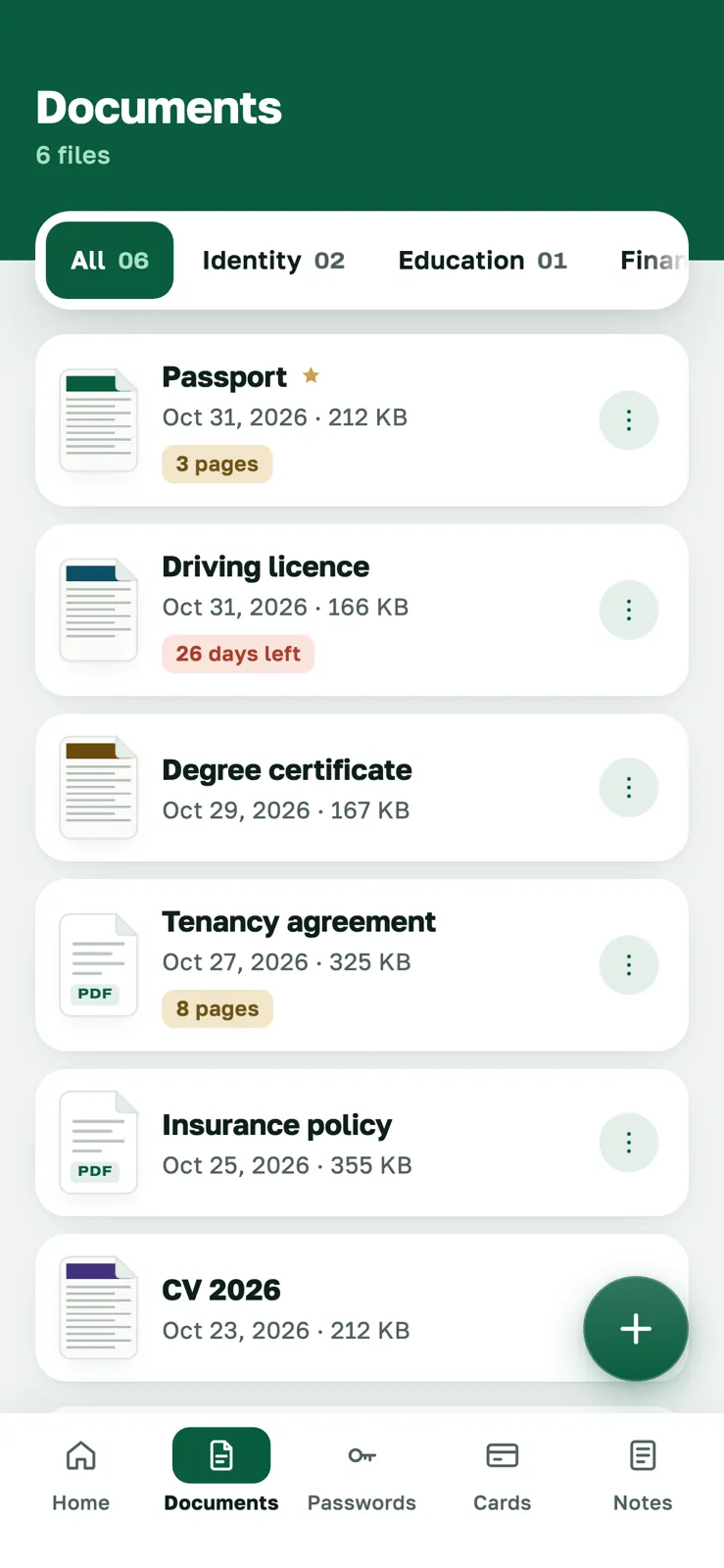
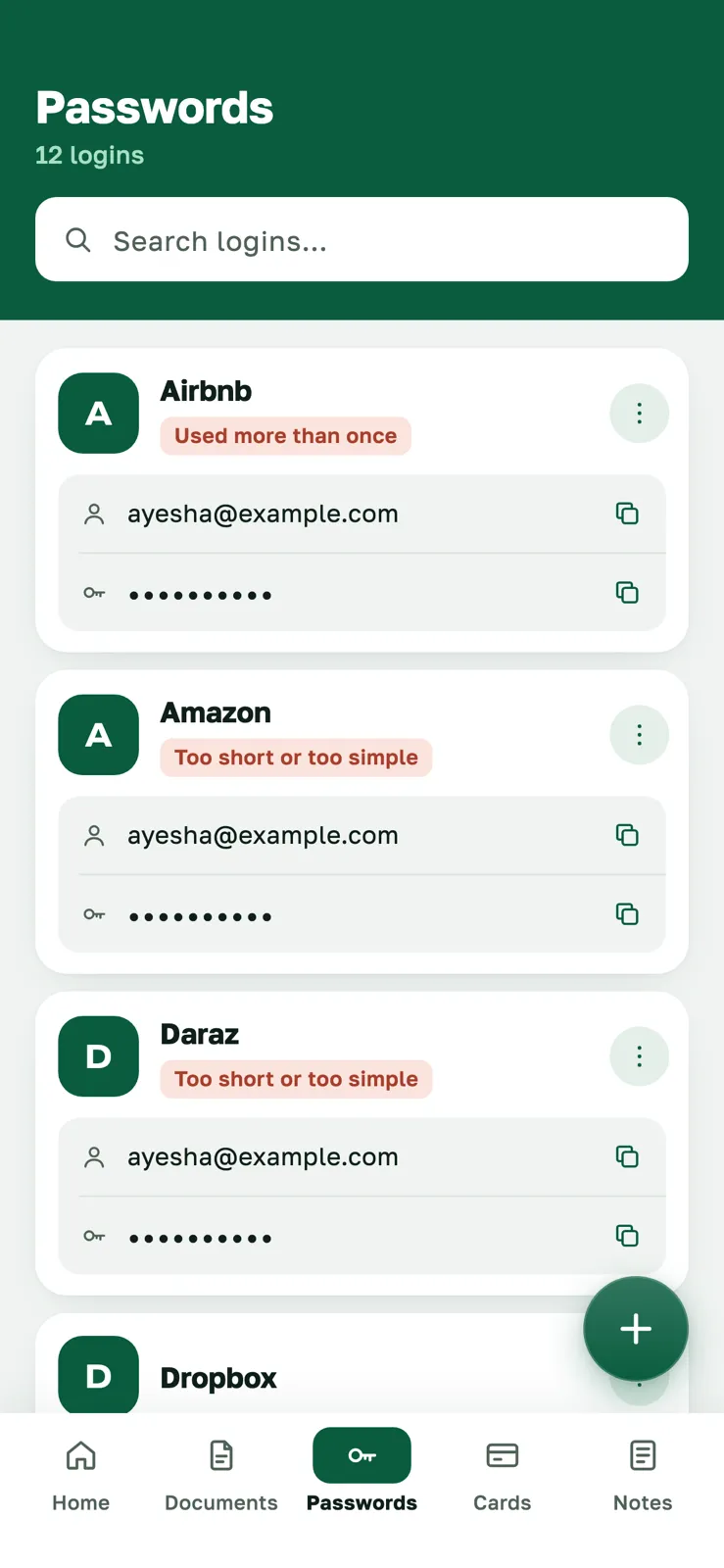
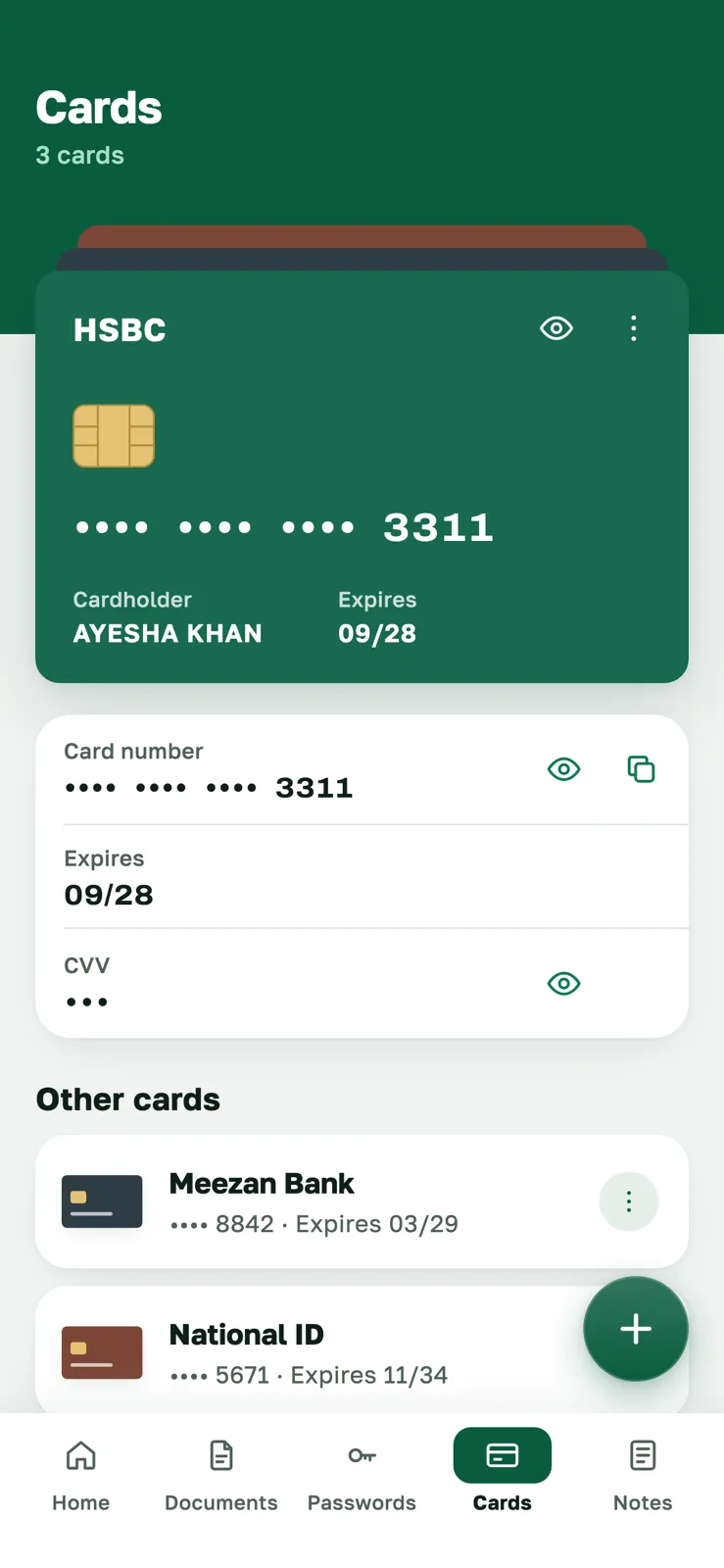
Your passport, ID card and bank cards tend to end up in your camera roll, in chat threads and in old emails. Hasp Vault gives them one place to live: on your phone, behind a PIN or Face ID.
What it holds
- Documents. Passport, ID card, driving licence, degree certificates, insurance policies, tenancy agreements.
- Passwords. Logins, usernames, and the notes you keep losing.
- Cards. Bank cards and ID cards.
- Notes. Anything private that does not belong in a notes app.
How it keeps them
- AES-256 encryption for passwords, cards, notes and document details — and, from version 1.3.2, for the document pages themselves — with the key held in your device’s own keystore.
- A PIN, plus Face ID or fingerprint if you want it.
- Locks itself when your phone locks, or as soon as you switch apps if you choose that setting, and hides its contents in the app switcher.
- Everything opens offline. There is no account to create and nothing to sign up for.
Free, and what Pro adds
The free app holds unlimited documents, passwords, cards and notes, with encrypted backup and restore and no adverts.
Hasp Pro adds Sync between your devices (iCloud on iPhone and iPad, Google Drive on Android), your own categories, expiry reminders before a passport or licence runs out, a password health check, sending your vault to another phone (receiving one is free), a photo of whoever enters the wrong PIN three times, and extra themes.
Hasp Vault runs on iPhone and, from version 1.3.2, on iPad.
Available in twelve languages.
Privacy at a glance
- Account
- No Hasp Vault account and no sign-up. Sync with Google Drive (Android) asks you to choose a Google account; its email address stays on your phone.
- What you store
- Stays on your device. Passwords, cards, notes and document details are kept in an AES-256 encrypted database, and from version 1.3.2 the document files are encrypted too (AES-256-GCM). If you turn on Sync, an encrypted copy is kept in your own iCloud (iPhone and iPad) or Google Drive (Android). Nothing is sent to us and we cannot see it.
- Advertising
- None. There is no advertising SDK in the app.
- Crash reports and usage
- Firebase Crashlytics and Firebase Analytics receive crash reports and usage statistics, with a random install identifier and an approximate location worked out from your IP address. Nothing from inside your vault is included.
- Purchases
- Handled by Google Play or the App Store, and recorded by RevenueCat under an anonymous identifier.
Read the full privacy policy · updated